Phonogram University
Apps
Use our apps to facilitate learning!
Phonogram University Apps List
Phonogram University currently offers three custom-created apps for use when learning to read using the phonograms. All are designed to help parents teach their children to read even without a teacher’s experience.
Learn more about each app below.
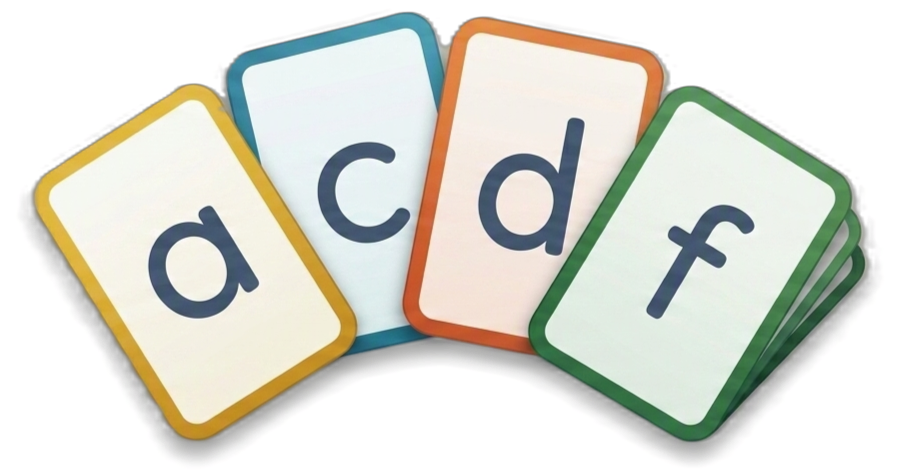
Phonogram University Flashcard App Practice all 70 phonograms!
This interactive tool is designed to help students master phonograms through regular practice and personalized sessions. Mastering phonograms is fundamental to reading success, as they help students decode unfamiliar words and improve spelling accuracy. The Phonogram Flashcard app covers all 70 essential phonograms, organized by lesson for systematic learning.
Use the link above to access the Flashcard App and begin practicing. It was designed to be easy to use so you can get started easily.
If you would like to know more about the app and all of its features first, review the user manual.
Phonogram University Reading Assistant App Multiple assistants to help you help your child learn to read!
The Reading Assistant App equips parents with essential resources for teaching reading, featuring a comprehensive word bank of 1000+ basic words with decoding instructions, a random word generator for practice, and a phonogram sound reference for when you need help with sounds. This powerful tool enhances guided reading sessions with your child.

Use the link above to access the Reading Assistant App.
This tool is not as intuitive as the Flashcard App, so it is recommended that you review the user manual before using. But if you prefer to figure it out as you go, you will still be very successful.
Spelling Rules Flashcard App Practice all the spelling rules you are learning!
Use the Spelling Rules Flashcard App link above to launch the app.
It’s easy to use:
- Select the rules you want to practice — the rules appear in the order they’re typically learned.
- Start your session.
- You’ll see sample words and reflect on which rule applies.
- Rate your response, and the app will adjust how often each rule appears based on your answers.
This adaptive approach helps reinforce what you know and revisit what needs more practice — making learning efficient and rewarding!
Lesson Motivation Apps Use these apps during lessons!
I have created two apps that facilitate motivation based on what I’ve used during lessons in the past.
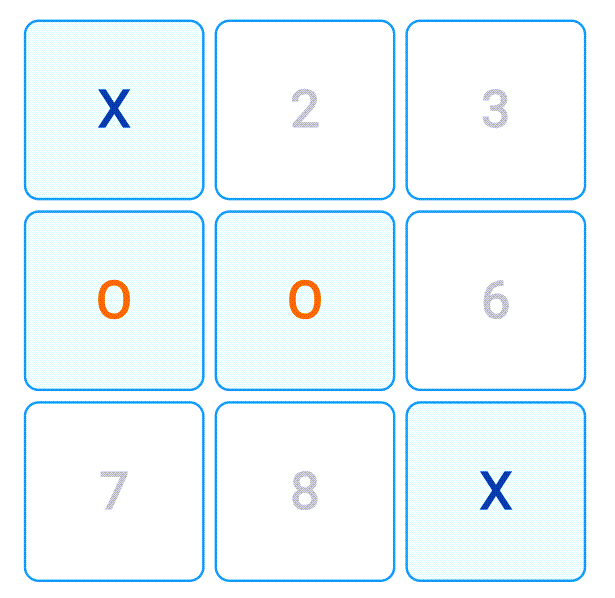
First is this basic TicTacToe game. Every time your student does something well, play a round. I ensure the student wins 95% of the time if not 100%. When they win, their name will flash on the screen as the winner. Make a big deal of you losing. They love it!
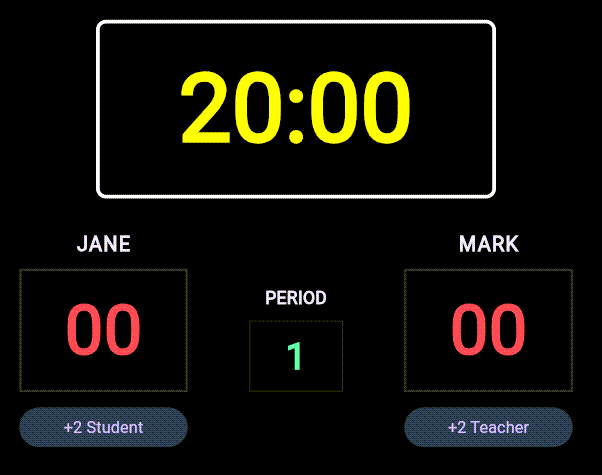
Second, I love playing basketball so I have a Nerf hoop on camera. When the student does something well they earn two points. You then take a shot and attempt to score. Here is a scoreboard to keep track of the score. I always try to win this one, but the student never misses so it is difficult to win.
Don’t hesitate to come up with something you can use with your student that keeps them engaged. I’ve found both of these to be very effective. The more demonstrative you are the better!